
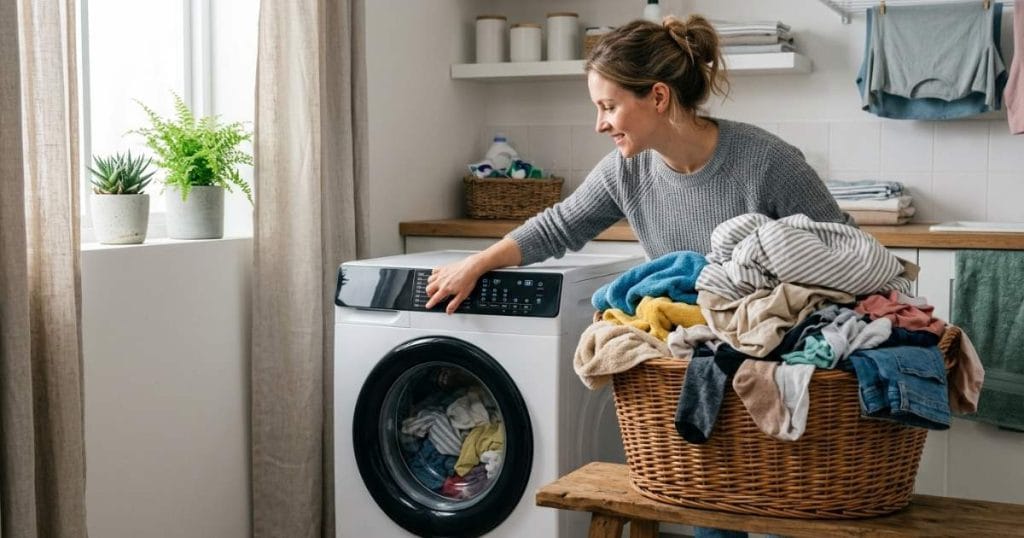
Samsung washing machine settings are designed to clean a variety of fabrics safely and efficiently. The best setting depends on the type of fabric, soil level, water temperature, and fabric care needs. For everyday laundry, the Normal cycle is usually the best choice, while settings like Quick Wash, Heavy Duty, Delicates, Bedding, and Sanitize are designed for specific cleaning needs.
Understanding what each setting on your Samsung washing machine does can help you get cleaner clothes, reduce fabric damage, save energy, and avoid common laundry mistakes.
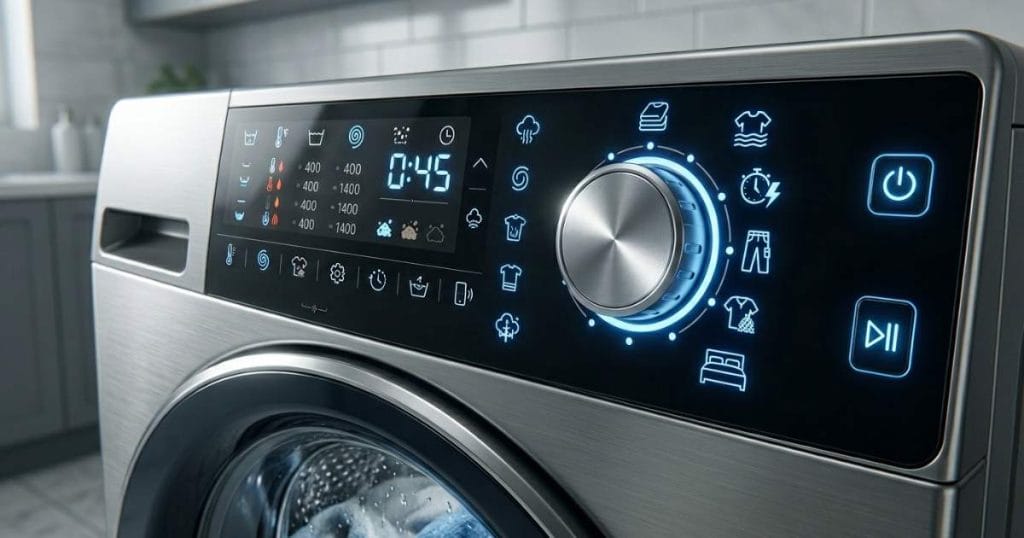
Why Samsung Washing Machine Settings Matter
Many people use the same wash cycle every time they wash their clothes, without realizing that modern Samsung washers are designed to provide different cleaning methods for different types of fabrics.
The correct setting affects how long the cycle will run, how much water is used, the spin speed, the water temperature, and the overall cleaning performance. Choosing the wrong setting can leave clothes dirty, cause unnecessary damage to the fabric, or increase energy consumption.
Samsung washing machines have multiple cycles because different types of fabrics require different levels of care. Delicate fabrics require a gentle wash, while heavily soiled work clothes may require more vigorous agitation and a longer wash.
Knowing how each setting works will help you get the best performance from your Samsung washer.
Samsung Normal Cycle
The Normal cycle is the most commonly used setting on Samsung washing machines. It is designed for washing everyday clothes such as shirts, jeans, socks, underwear, and general clothing.
This cycle balances cleaning performance, water savings, and fabric protection. Most households can use the Normal cycle for most of their weekly laundry.
The Normal cycle typically uses medium-temperature water and a medium to high spin speed, which removes dirt while keeping energy costs to a minimum. This setting is often the best option for lightly to moderately soiled clothes.
Samsung Quick Wash Setting
When you’re short on time, the Quick Wash setting can be extremely effective.
Quick Wash is designed for lightly soiled clothes that only need a quick clean. Depending on the model, many Samsung washers can complete a Quick Wash cycle in about 15 to 40 minutes.
This setting works best for recently worn clothes, office clothes, lightly sweaty gym clothes, and everyday clothes that don’t have many stains.
While Quick Wash saves time, it shouldn’t be used for heavily soiled clothes, bed sheets, or towels that need a deep clean.
Samsung Heavy Duty Setting
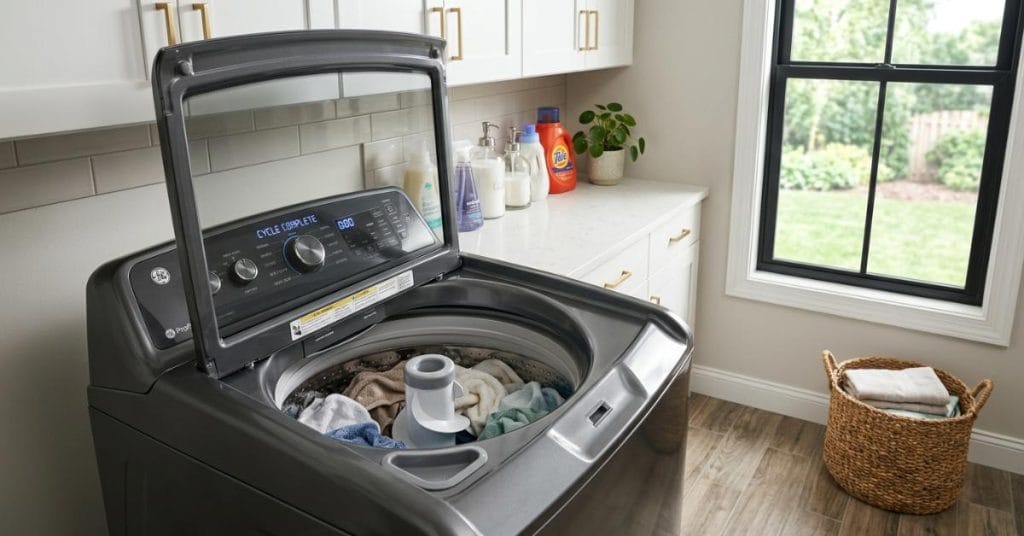
Heavy Duty is one of the most powerful settings available on Samsung washing machines.
This cycle is specifically designed for heavily soiled items, such as work uniforms, sportswear, outerwear, and clothes that don’t stain easily.
The washer washes longer, agitates more vigorously, and rinses more frequently to maximize stain removal.
Due to its intensive cleaning power, the Heavy Duty cycle typically takes longer than the Normal or Quick Wash cycle. However, for tough fabrics, this extra cleaning power can make the extra time worthwhile.
Samsung Delicates Setting
Delicate fabrics require special care to prevent stretching, fading, and damage. The Delicates cycle uses gentle drum movement, slow spin speed, and low water temperature to protect sensitive materials.
This setting is typically used for silk, lace, lightweight fabrics, lingerie, and garments with decorative elements. Using the Delicates cycle extends the life of delicate garments while also cleaning them effectively.
Samsung Bedding Setting
Washing large items like comforters, blankets, and bed sheets often requires a different approach than regular clothes. Samsung’s Bedding cycle is specifically designed to clean large items more effectively.
This cycle adjusts water level, wash pattern, and spin speed to ensure large items move properly through the drum. Using the Bedding setting improves cleaning performance and reduces the risk of clothes falling unevenly during spinning.
Samsung Sanitize Setting
The Sanitize setting is designed for situations where hygiene is a priority. This cycle uses high-temperature water and a long wash cycle to help reduce bacteria and germs on washable fabrics.
Many homeowners use the Sanitize cycle for towels, children’s clothing, bed linens, reusable cleaning cloths, and clothes used during illness. Because this cycle relies on high temperatures, it typically uses more energy and takes longer to complete than a regular cycle.
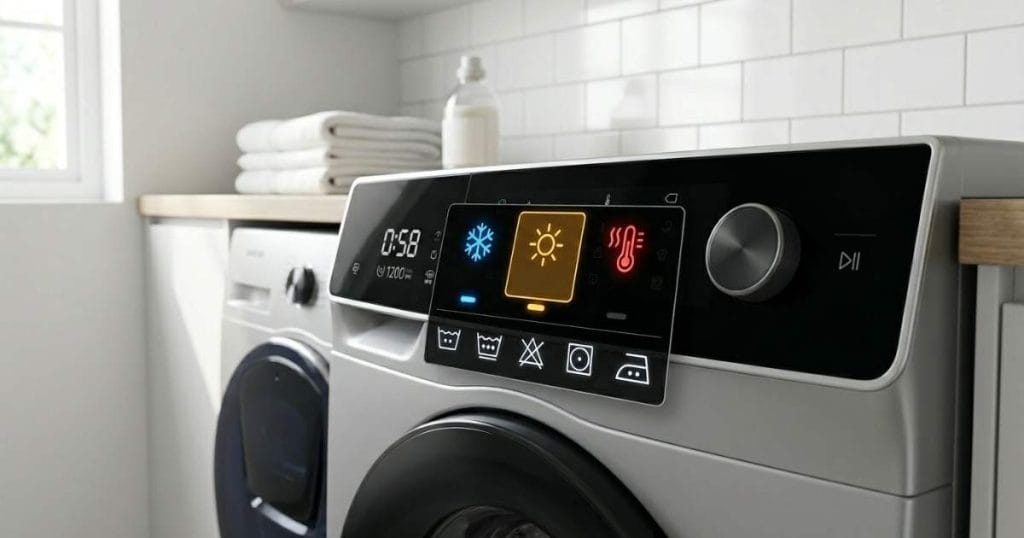
Understanding Samsung Temperature Settings
Water temperature plays an important role in cleaning performance.
Cold water is ideal for dark-colored fabrics, delicate fabrics, and energy-saving washes. It prevents fabric shrinkage and color fading, as well as reducing energy consumption.
Warm water is often recommended for everyday clothing, as it provides a balance between cleaning performance and fabric protection.
Hot water is usually reserved for heavily soiled items, towels, bed linen, and sanitizing cycles, where extra cleaning power is needed. Selecting the right temperature improves washing results and protects fabrics from unnecessary damage.
Samsung Spin Speed Settings Explained
Spin speed determines how fast the washer spins during the final spin cycle.
Higher spin speeds remove more moisture from clothes, resulting in shorter drying times. However, over-spinning can damage soft or delicate fabrics.
Generally, it is recommended to use a lower spin speed for softer fabrics, while medium and higher speeds are suitable for more durable materials like cotton and towels. Samsung washers often allow users to manually adjust the spin speed depending on the type of clothes being washed.
Best Samsung Washer Settings for Everyday Clothes
For most everyday laundry, the Normal cycle with hot water and a medium to high spin speed provides excellent results. This combination balances cleaning performance, fabric protection, and energy savings.
Families that wash casual clothes, work clothes, and household linen can often rely on these settings for the majority of their laundry.
Best Samsung Washer Settings for Towels
Over time, towels absorb moisture, body oils, and detergent residue. For best results, many homeowners use the Heavy Duty or Sanitize cycle with warm or hot water.
Higher spin speeds help remove excess moisture and improve drying performance. These settings help keep towels cleaner, fresher, and more absorbent.
Best Samsung Washer Settings for Bedding
Using a cleaning cycle specifically designed for large items will clean bed sheets and blankets well.
Using the ‘bedding cycle’ with hot water usually cleans well and allows the sheets and blankets to move properly during the wash. For families with allergy problems, occasionally using the ‘sanitize cycle’ can provide additional hygiene benefits.
Common Samsung Washer Setting Mistakes
One of the most common mistakes is using the same cycle every time you wash your clothes.
Another common problem is unnecessarily selecting a heavy-duty cycle, which increases wash time and energy consumption.
Loading too many clothes into the washer, regardless of the setting selected, can reduce cleaning performance.
Using too much detergent can cause an extra rinse cycle and leave residue on your clothes.
Understanding how each setting on your Samsung washing machine works can help you avoid these problems and improve your overall laundry results.
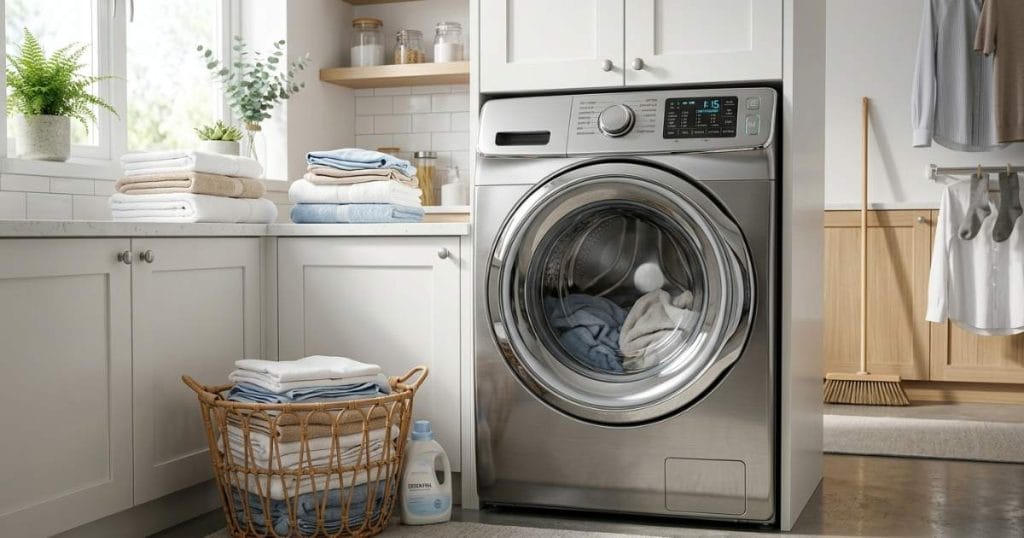
How to Choose the Right Samsung Washer Setting
The easiest way to choose the right setting is to consider three things: the type of fabric, the degree of soiling, and the amount of laundry.
The Normal cycle usually works best for lightly soiled everyday clothes. Quick Wash can be useful for small amounts of laundry. Heavy-duty settings are often needed for heavily stained items. Delicate fabrics require the Gentle cycle, while bed linens and towels work best on the Special program.
By matching the cycle to the amount of laundry, you can get better cleaning results and also reduce damage to your clothes.
Final Thoughts
Samsung washing machine settings are designed to make washing clothes easier, cleaner, and more efficient. From Quick Wash and Normal cycles to Heavy Duty, Bedding, Delicates, and Sanitize settings, each program has a specific purpose.
Understanding when and how to use these settings can help you get cleaner clothes, increase fabric durability, save energy, and achieve better wash results with every load. By not using the same cycle for everything, choosing the right Samsung washer settings can make a noticeable difference in both cleaning performance and fabric care.